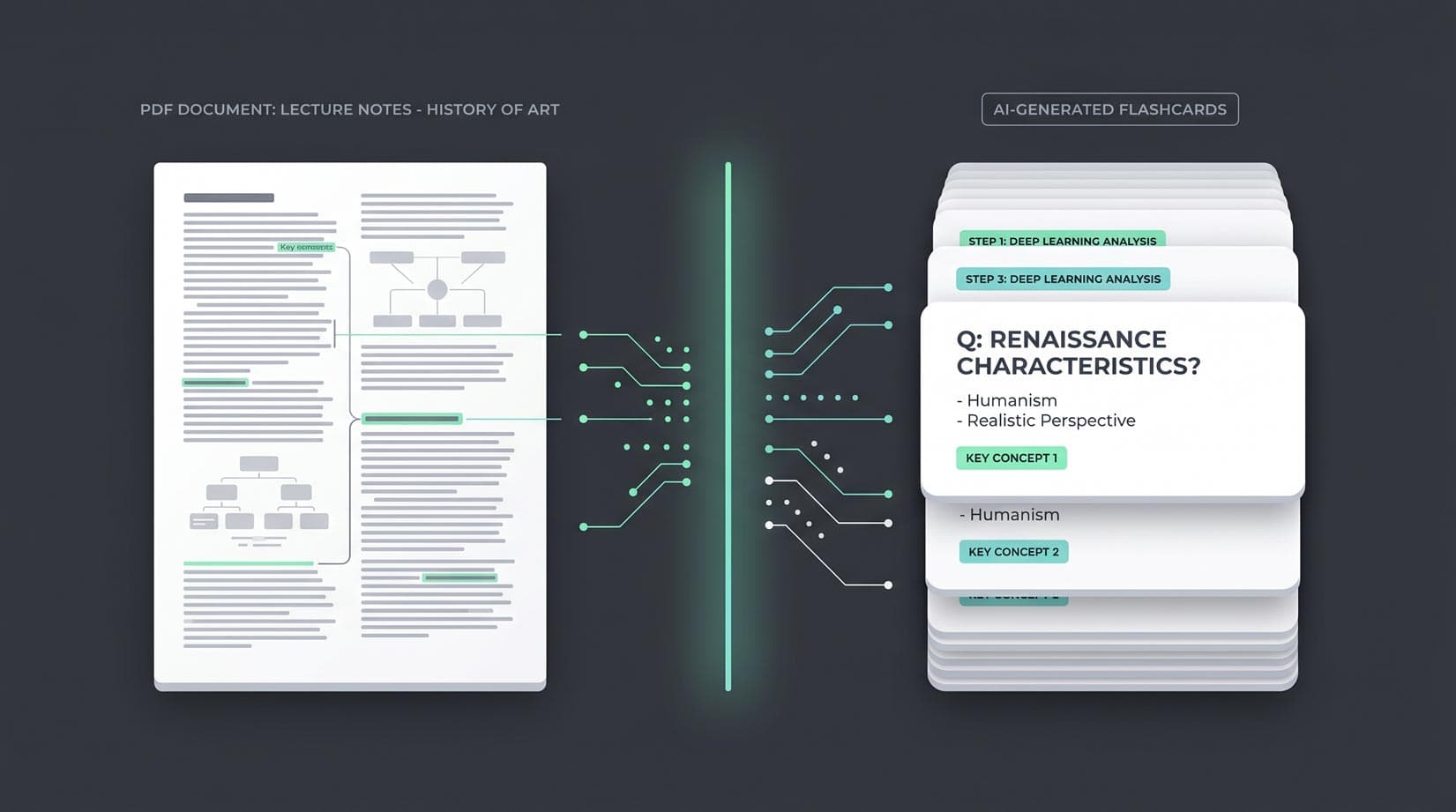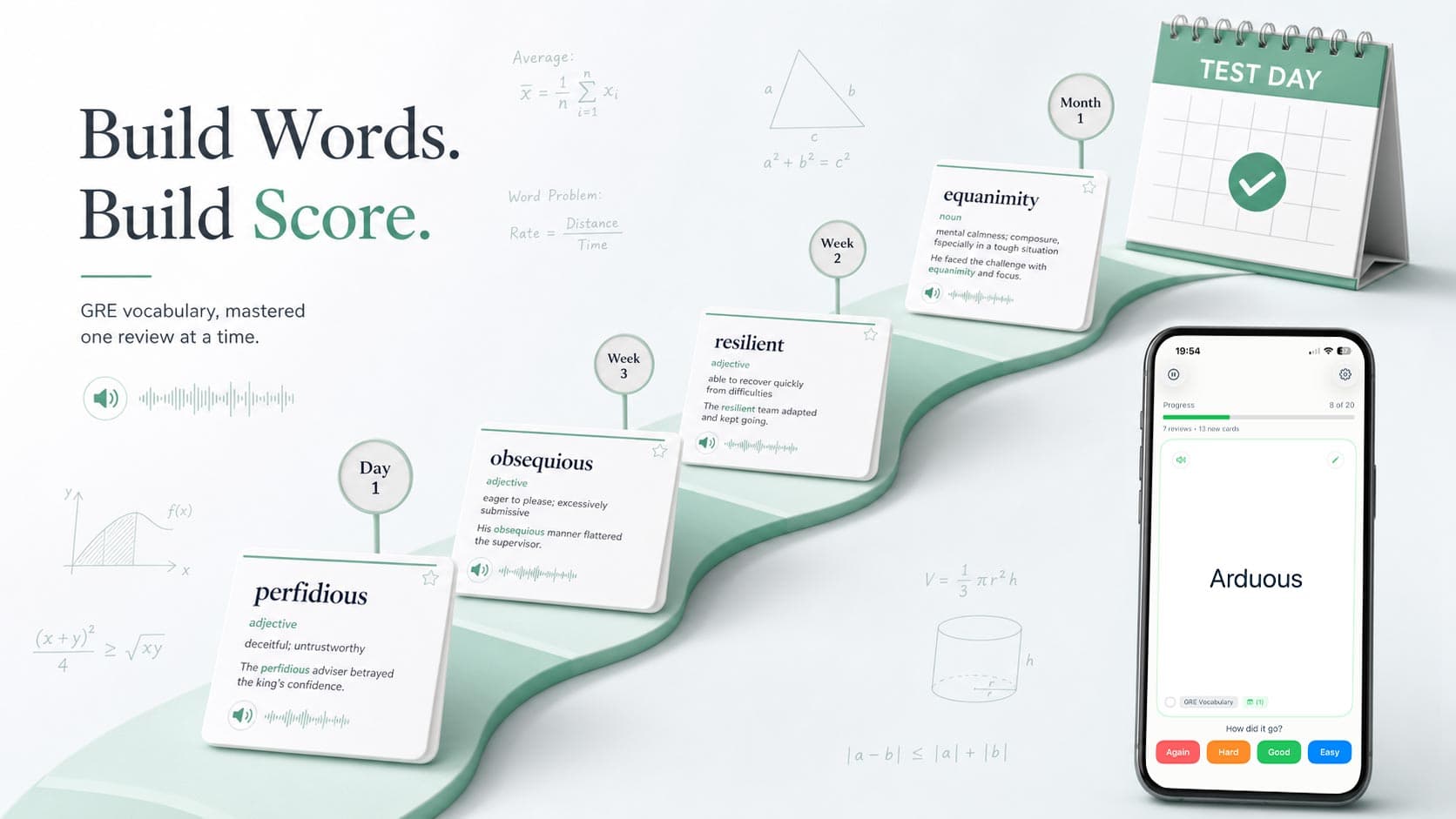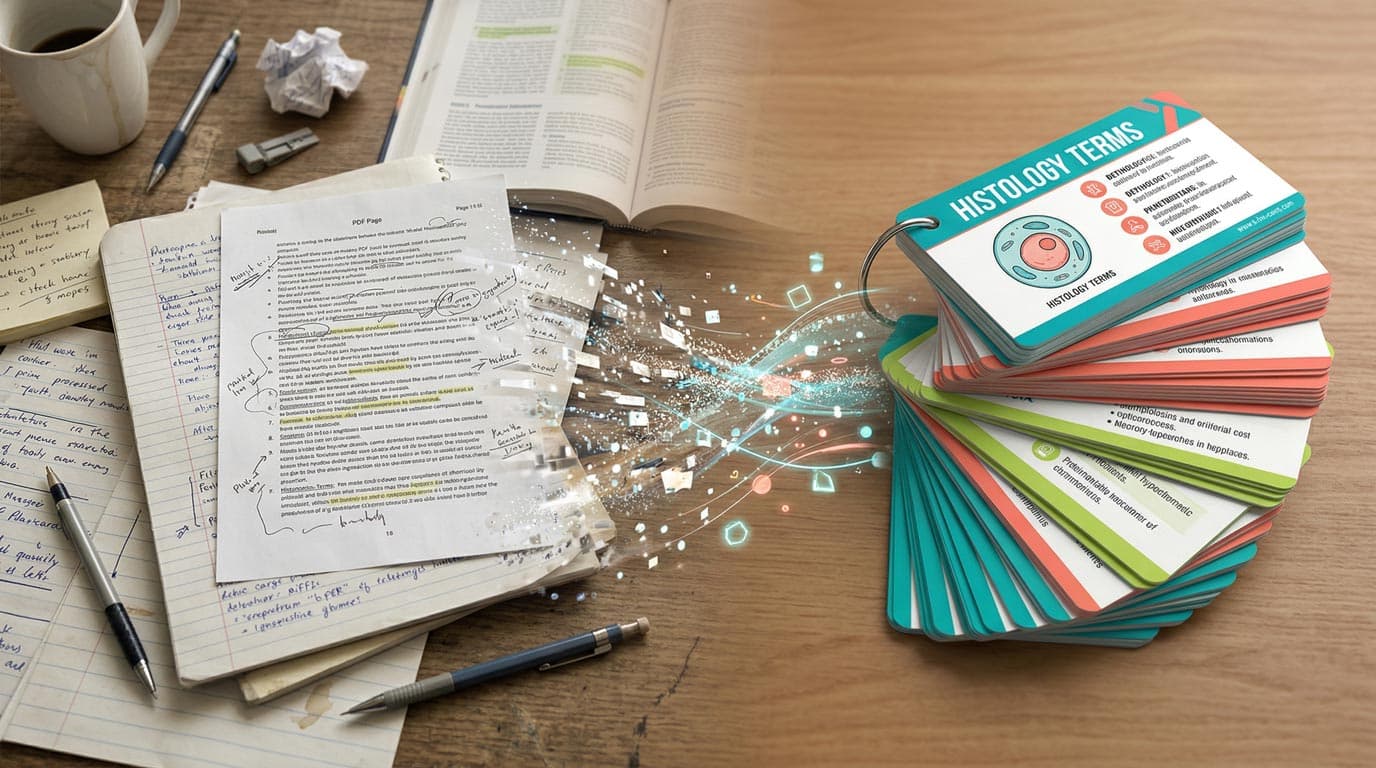
Making flashcards used to mean sitting with a textbook and a blank Quizlet deck, typing out one card at a time until your motivation ran out around card thirty. In 2026, AI can do the extraction and formatting for you — turning raw notes, PDFs, and even photos into study-ready decks in under a minute.
This is a hands-on guide to actually doing it. No theory, no app comparisons — just the steps to go from source material to a finished flashcard deck using AI.
What You Need Before You Start
You need two things: source material and an AI flashcard tool.
Source material can be almost anything text-based. Lecture notes, a textbook chapter, a Wikipedia article, a PDF handout from class, a vocabulary list, or even a photo of your handwritten notes. The better organized your source is, the better the AI's output — but even messy notes produce usable cards.
The tool matters less than you think, but the workflow described here uses MintDeck's free AI flashcard generator because it works directly in the browser with no account required. You can follow the same general steps with any AI flashcard tool — the principles are the same.
Step 1: Prepare Your Source Material
Before you generate anything, spend 60 seconds cleaning up your input. This single step makes the biggest difference in card quality.
If you're using text notes: Copy the section you want to study. Remove headers, footers, page numbers, and anything that isn't actual content. If your notes cover three chapters but you're studying chapter seven, paste only chapter seven.
If you're using a PDF: Most AI generators accept PDF uploads directly. MintDeck processes PDFs automatically — it extracts the text and handles formatting. For scanned documents or handouts with images, check that the tool supports OCR or image-based extraction.
If your notes are handwritten: Take a clear photo with good lighting. Some tools can process images directly. Alternatively, use your phone's built-in text recognition to copy the text, then paste it into the generator.
The key principle: Focused input produces focused cards. A 2-page section on mitochondrial function will generate better cards than an entire 40-page biology chapter dumped in at once.
Step 2: Generate Your Deck
Open MintDeck's AI flashcard generator and paste your content into the input field. If you're using the iOS app, you can also upload a PDF or image directly.
A few options to consider before hitting generate:
Card count. Most generators let you specify roughly how many cards you want. For a typical 2–3 page section, 15–25 cards is a good starting range. Too few and you'll miss key concepts; too many and you'll end up with trivial or repetitive cards.
Language and subject context. If your material is specialized — medical terminology, legal concepts, a foreign language — make sure the tool knows. MintDeck's generator uses Google's Gemini API, which handles domain-specific content well, but giving it context (like specifying "pharmacology" or "Spanish vocabulary") improves the output.
Generation time. Expect 10–30 seconds for a typical text input. PDFs take slightly longer depending on length. A 20-page chapter might take a minute and produce 40–60 cards.
Step 3: Review and Edit Your Cards
This is the step most people skip — and shouldn't. AI-generated flashcards are drafts, not finished products. Spending five minutes reviewing a 30-card deck will dramatically improve your study sessions later.
Check for accuracy. The AI occasionally misinterprets source material, especially with ambiguous phrasing or highly technical content. Read through each card and correct anything that's wrong.
Look for vague questions. A card that says "What is important about mitosis?" is less useful than "What are the four phases of mitosis in order?" Good flashcards test specific, retrievable knowledge. Edit vague questions into precise ones.
Delete duplicates and filler. AI generators sometimes produce cards that test the same concept from slightly different angles. Keep the best version and remove the rest. Also delete any cards that test trivial facts you already know — they waste review time.
Add your own cards. If the AI missed something you know will be on the exam, add it manually. The best decks are a mix of AI-generated and hand-written cards, because you know your course material better than any model does.
If you want a deeper look at what makes flashcards effective in general, the guide to digital flashcards covers the principles behind good card design.
Step 4: Study with Spaced Repetition
Generating cards is the easy part. The hard part — the part that actually determines whether you remember the material on exam day — is how you review them.
The most effective approach is spaced repetition: reviewing each card at increasing intervals based on how well you remember it. Instead of cramming 200 cards the night before, you see each card at the exact moment you're about to forget it.
MintDeck uses the FSRS algorithm for scheduling, which is the current state of the art — it replaced the older SM-2 system used by Anki for decades and has been shown to produce better retention with fewer reviews. After each card, you rate how well you remembered it, and FSRS calculates when you should see it next.
Practical study tips:
Start reviewing the same day you generate the deck. The first review session cements the initial memory; waiting even 24 hours means you'll forget a significant portion and have to relearn it.
Study in short sessions. Three 15-minute sessions spread across the day beat one 45-minute marathon. The science behind this is well established — distributed practice outperforms massed practice consistently.
If you're studying for a specific exam, start generating and reviewing at least two weeks before the test date. FSRS needs multiple review cycles to move cards into long-term memory, and that takes time. The study schedule guide has more on planning around exam dates.
Step 5: Iterate and Expand
Your first AI-generated deck is a starting point. As you study, you'll notice gaps — concepts the AI didn't cover, connections between topics that deserve their own cards, or areas where you consistently get cards wrong.
After your first review session: Add 5–10 cards for concepts you realized were missing. Edit any cards where the wording confused you during review.
After a week of studying: Generate a new deck from the next section of material and merge it with your existing deck. Building incrementally keeps each generation focused and each review session manageable.
Before the exam: Do a final review of all cards. Any card you've consistently rated "Easy" will naturally appear less often thanks to FSRS scheduling. Focus your remaining energy on the cards FSRS keeps surfacing — those are the ones you're most likely to forget.
Common Mistakes to Avoid
Generating too many cards at once. A 500-card deck from an entire textbook will overwhelm you in the first review session. Generate per chapter or per topic, and study each batch before adding more.
Skipping the edit step. Five minutes of editing saves hours of studying bad cards. Always review before you study.
Not using spaced repetition. If you generate cards and then just scroll through them randomly, you're missing the entire point. The scheduling algorithm is what turns flashcards from a passive activity into an effective learning tool.
Waiting too long to start reviewing. Generate your deck and do your first review session the same day. Memory formation works best when initial exposure and first review happen close together.
Getting Started Right Now
The fastest way to try this is to do it. Open MintDeck's free AI flashcard generator, paste a paragraph from whatever you're currently studying, and generate a deck. The whole process — paste, generate, review, study — takes about five minutes for a single section.
If the cards are useful, the MintDeck iOS app adds FSRS-powered spaced repetition, free audio in five languages, and sync across devices. For anyone making the switch from another tool, MintDeck also imports Anki decks directly — including scheduling data — so you don't lose progress on decks you've already built.
For more on the study techniques that work best alongside AI-generated flashcards, the guide to scientifically proven study techniques covers the broader evidence base.