Best Flashcard App for MCAT Prep in 2026
MCAT prep is one of the most demanding memorization challenges in education. You're covering four sections — Biological and Biochemical Foundations, Chemical and Physical Foundations, Psychological and Social Foundations, and CARS — with thousands of discrete facts, pathways, and relationships that all need to be retrievable under pressure on test day.
Most pre-med students eventually turn to flashcards. The question isn't whether flashcards work for MCAT prep — spaced repetition is one of the most evidence-backed study techniques in cognitive science — but which app can actually handle the scale and intensity that MCAT studying demands.
After reviewing the major options from a pre-med perspective, here's what matters and where each app stands in 2026.
Why the Scheduling Algorithm Matters at MCAT Scale
When you're managing 8,000–15,000 cards across biochemistry, physics, organic chemistry, psychology, and sociology, the scheduling algorithm isn't a nice-to-have — it's the difference between efficient 30-minute review sessions and drowning in cards you already know.
Most flashcard apps use SM-2, a scheduling formula designed in 1987. It works, but it uses fixed intervals that don't adapt well to individual memory patterns. FSRS (Free Spaced Repetition Scheduler) is the modern replacement — trained on hundreds of millions of real reviews and significantly more accurate at predicting when you'll forget something.
At MCAT scale, this matters concretely. FSRS reduces unnecessary reviews by scheduling cards closer to your actual forgetting point. When you're studying 3–4 hours a day for months, even a 15% efficiency gain compounds into dozens of hours saved — time you can redirect to practice passages or full-length exams.
MintDeck
Price: Free to start (10 AI generation credits included, no subscription for core studying)
MintDeck uses FSRS natively — the same modern algorithm Anki added in late 2023, but built into the app from the ground up rather than added as an optional setting. For MCAT prep, this means your review schedule adapts to your actual recall patterns across every subject simultaneously.
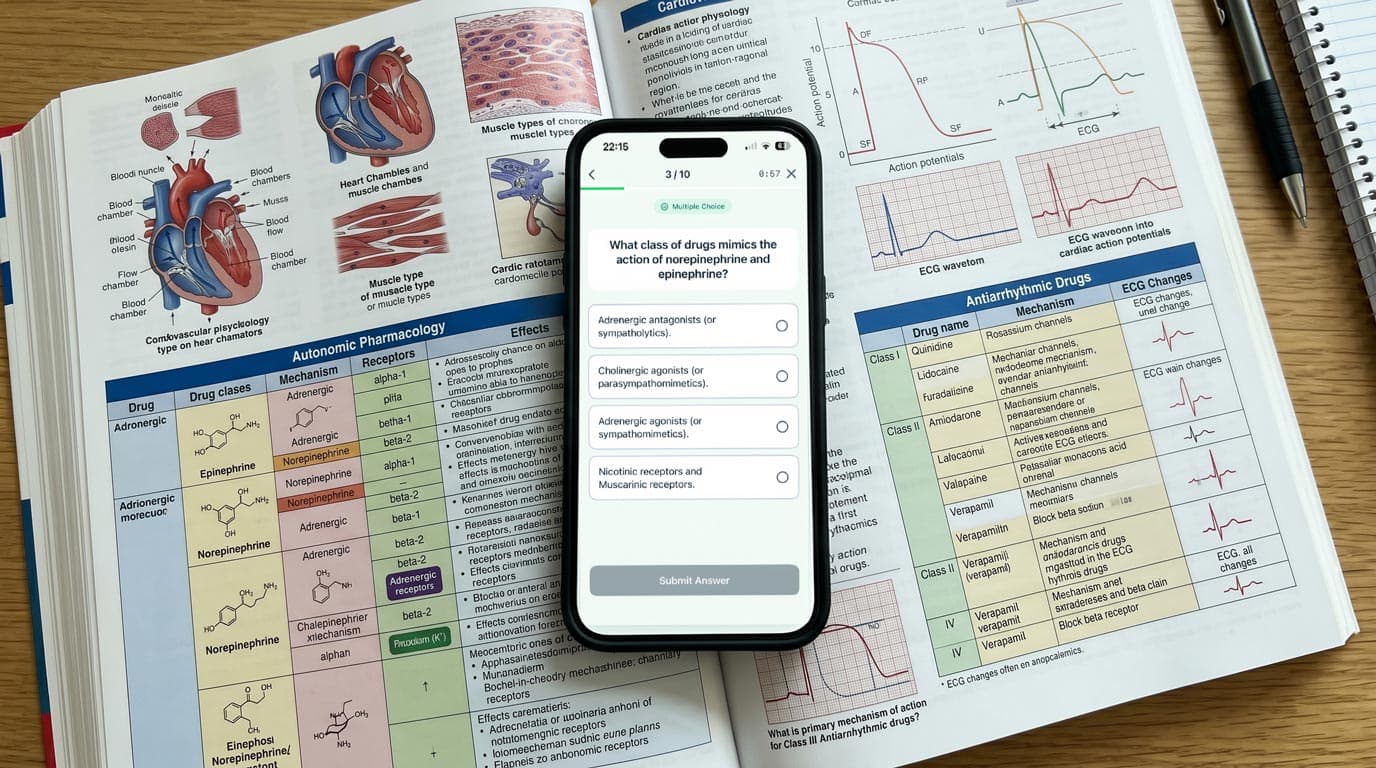
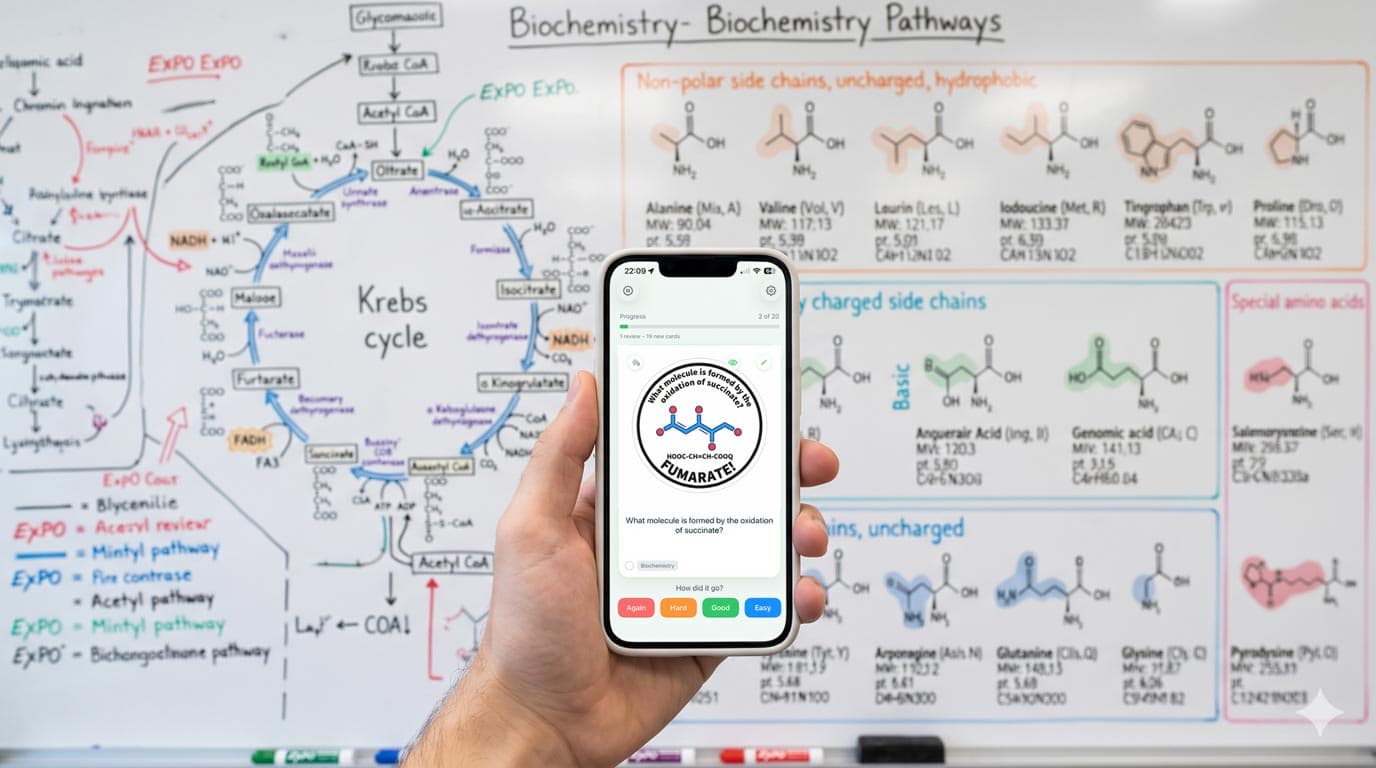
The standout feature for pre-med students is AI deck generation from prep materials. Paste a section from your Kaplan or Princeton Review notes, a biochemistry pathway summary, or a Khan Academy transcript, and MintDeck generates a study deck in about 30 seconds. It's not a replacement for understanding the material — always review and edit generated cards — but it eliminates the biggest friction point in flashcard-based studying: the time it takes to create cards manually.
MintDeck also imports .apkg files directly, which means AnkiHub community decks (MilesDown, Ortho528, JackSparrow) transfer with media and scheduling data preserved. The import takes about two minutes and you don't lose your review history.
Audio study mode lets you drill terminology hands-free with on-device text-to-speech — useful for amino acid names, drug mechanisms, or psychology terms during commutes. Five languages supported, no internet required.
Honest limitations: MintDeck is iOS-only currently. If you study across Mac and PC, Anki's cross-platform support is a genuine advantage. MintDeck also doesn't have Anki's add-on ecosystem, so if you rely on specific plugins (image occlusion, custom note types), that's worth considering.
Anki
Price: Free (desktop/Android), $24.99 (AnkiMobile for iOS)
Anki is the established standard for MCAT prep, and for good reason. The community deck ecosystem — especially via AnkiHub — is enormous. MilesDown, Ortho528, and JackSparrow decks are battle-tested by thousands of test-takers and cover the full MCAT content outline.
Anki added FSRS as an optional scheduler in version 23.10. If you enable it (it's not on by default), you get the same algorithmic advantages. The add-on ecosystem is unmatched: image occlusion for anatomy diagrams, heatmap tracking for study consistency, and custom card types for Cloze deletions.
The trade-off is setup complexity. Configuring Anki optimally — enabling FSRS, installing add-ons, setting up deck options, syncing across devices — takes a meaningful time investment. For students who are already proficient with Anki, this is fine. For those starting fresh during MCAT prep, the learning curve can eat into study time. AnkiMobile's $24.99 price tag is also a consideration, though it's a one-time purchase.
Quizlet
Price: Free (limited), Quizlet Plus $7.99/month
Quizlet has the largest flashcard library overall, including many MCAT-specific sets. The interface is the most approachable of any option, and collaborative deck features work well for study groups.
However, Quizlet has continued restricting its free tier in 2026. Learn mode — the adaptive study feature that makes Quizlet more than just digital flash cards — now requires a subscription. The scheduling algorithm is proprietary and not based on FSRS or SM-2, which means less transparency about how review intervals are determined.
For casual MCAT review or supplementary studying, Quizlet works fine. For primary MCAT prep where you need efficient long-term retention across thousands of cards, the lack of a proven spaced repetition algorithm is a real limitation.
Brainscape
Price: Free (limited), Pro $9.99/month (curated MCAT content included)
Brainscape takes a different approach: curated, expert-made decks organized by subject. Their MCAT collection is professionally authored and covers the full content outline. The confidence-based repetition system asks you to rate your mastery on a 1–5 scale after each card.
The advantage is convenience — you get a structured, comprehensive deck without creating anything yourself. The disadvantage is the same as any pre-made content: it may not align with your specific weak areas or the emphasis your prep materials place on certain topics. The scheduling algorithm is proprietary (not FSRS or SM-2), and at $9.99/month over a 3–6 month prep cycle, costs add up.
Comparison Table
| Feature | MintDeck | Anki | Quizlet | Brainscape |
|---|---|---|---|---|
| Algorithm | FSRS (native) | FSRS (optional, SM-2 default) | Proprietary | Confidence-based (proprietary) |
| AI Deck Generation | Yes — from notes, PDFs, images | No | No | No |
| AnkiHub Import | Yes (.apkg with media) | Native | No | No |
| Price (iOS) | Free (core studying) | $24.99 one-time | Free (limited) / $7.99/mo | Free (limited) / $9.99/mo |
| Curated MCAT Decks | Community via import | Community (AnkiHub) | Community-created | Expert-authored (Pro) |
| Audio Study Mode | Yes (on-device, 5 languages) | Via add-on (TTS) | No | No |
| Offline Study | Yes | Yes | Paid only | Paid only |
| Best For | FSRS + AI generation + Anki migration | Power users with existing workflows | Casual review, study groups | Pre-made content, no card creation |
How to Study for the MCAT with Flashcards Effectively
Flashcards work best for MCAT prep when they're part of a broader strategy, not a replacement for content learning. Here are the approaches that high scorers consistently use:
Front-load content, then switch to retention. Spend the first phase of prep learning from your primary resources (Kaplan, Princeton Review, Khan Academy). Start making or importing flashcards for each chapter as you go. The second phase shifts to review — this is where spaced repetition scheduling becomes critical.
Don't skip discrete sciences for CARS. CARS requires passage analysis skills, not memorization, so flashcards aren't the primary tool. But for Psych/Soc terminology and science sections, flashcards are the most efficient retention method available.
Use AI generation strategically. If your app supports it, generate decks from your weakest chapters rather than trying to card-ify everything. A targeted deck of 200 cards for your worst biochemistry pathways is more valuable than 2,000 cards covering material you already know.
Review daily, even when doing full-lengths. The biggest mistake is pausing flashcard reviews during full-length practice exam blocks. Even 15 minutes of review preserves months of accumulated memory.
Which App Should You Choose?
If you're starting MCAT prep fresh and want modern scheduling without setup complexity, MintDeck gives you FSRS natively plus AI generation from your prep materials — start for free with no subscription required.
If you're already embedded in Anki with AnkiHub decks and custom add-ons, switching mid-prep probably isn't worth the disruption. Enable FSRS in Anki's settings if you haven't already.
If you want curated, expert-made MCAT content without creating any cards yourself, Brainscape's Pro tier delivers that — at a monthly cost.
Whatever you choose, the most important decision is using an app with a proven scheduling algorithm. At MCAT scale, the difference between SM-2 and FSRS is the difference between productive studying and busywork.
Start studying with MintDeck — free on the App Store →
Compare apps: MintDeck vs Anki · MintDeck vs Quizlet · Best spaced repetition apps 2026
Study smarter: Beyond flashcards: how quizzes transform learning · Effective study techniques for college students